
If you’ve ever been mid-mix and suddenly lost track of the beat, you know exactly how frustrating that feeling is. Whether you’re blending two tracks live or preparing a set at home, knowing your BPM (beats per minute) is the backbone of every smooth transition. The good news? You don’t need to drop money on expensive software to nail it. There are some fantastic free tap tempo and BPM finder tools out there built specifically for DJs and music producers who need accuracy without the price tag.
In this guide, we’re breaking down the best free tap tempo BPM finders available today, what makes each one worth your time, and how to use them effectively in your DJ workflow. Whether you’re spinning at a house party or prepping a professional set, this one’s for you.
What Is a Tap Tempo BPM Finder and Why Do DJs Need It?
Before we dive into the tools themselves, let’s quickly cover the basics.
BPM stands for beats per minute, and it’s the standard measurement for the speed or tempo of a track. When you’re DJing, matching the BPM of two tracks is what allows for seamless beatmatching, the foundation of every great mix. Even a small mismatch of just 2–3 BPM can result in a noticeable drift that throws off the entire energy of a set.
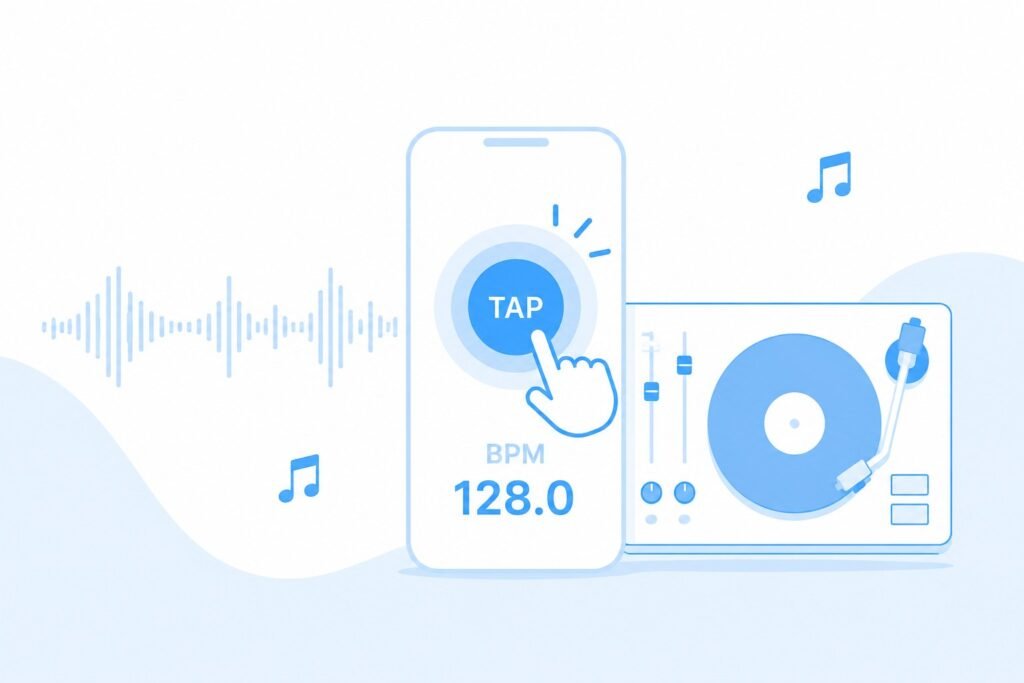
A tap tempo BPM finder lets you literally tap along to the beat of a song — using your keyboard, mouse, or touchscreen — and the tool calculates the BPM in real time. It’s fast, intuitive, and accessible to beginners and professionals alike.
Most modern DJ software like Serato, Rekordbox, and Traktor auto-detect BPM, but they’re not always perfect, especially with older vinyl records, live recordings, or tracks with fluctuating tempos. That’s where a reliable tap tempo tool becomes invaluable.
Top Free Tap Tempo BPM Finders for DJ Mixing
1. Tap BPM — TapBPM.com
One of the most popular online BPM tap tools, TapBPM.com is clean, fast, and completely free. You simply tap your spacebar or click the big button on screen in rhythm with the music, and it calculates your BPM with impressive accuracy. It also averages your taps over time, which means the longer you tap, the more precise the result gets.
What sets it apart is the simplicity. There’s no signup required, no ads cluttering your screen, and it works on any browser including your phone. For quick on-the-spot BPM checks during a set, this is a go-to choice for a lot of working DJs.
2. Get Song BPM — GetSongBPM.com
This one takes a slightly different approach. Instead of just tapping, GetSongBPM.com lets you search for a song by artist or title and pulls the BPM directly from its database. It also includes a built-in tap tempo tool for tracks not in the database.
The database covers millions of songs, making it incredibly useful if you’re building a setlist and want to sort tracks by tempo. It even shows you related songs in similar BPM ranges, which is a hidden gem for DJs looking to build harmonic mixes or smooth transitions between genres.
3. Soundiiz BPM Tap Tool
While Soundiiz is primarily known as a playlist migration tool, its BPM tap feature is surprisingly solid and completely free to use. It’s a browser-based tool that responds well on mobile devices, which is handy when you’re away from your laptop and need a quick tempo reference.
The interface is minimalist, which actually works in its favor — you can focus entirely on tapping without distractions.
4. BPM Tap by All8.com
All8.com has been around for years and offers a no-frills tap tempo counter that simply works. What makes it stand out is its reset and average functions, which help you get a more accurate reading over several bars of music rather than just a few beats. It’s browser-based, requires no installation, and loads almost instantly.
For DJs who appreciate a straightforward, reliable tool with no learning curve, All8.com delivers exactly that.
5. Tap Tempo on Ableton (Free Version)
If you use Ableton Live’s free trial or the free Ableton learning tools, the tap tempo function built directly into the software is one of the most accurate you’ll find. You tap the T key in sync with the beat, and Ableton locks in the tempo across your session. While this is more of a DAW feature than a standalone app, it’s worth mentioning for producers who also DJ.
How to Use a Tap Tempo BPM Finder Effectively
Getting accurate results from a tap tempo tool isn’t just about clicking fast. Here are a few tips to improve your accuracy every time.
Tap on the downbeat. Always tap on the first beat of the bar (the “one”), not on random beats. This gives you a more consistent reading and helps your average settle quickly.
Tap for at least 16 beats. The more taps you register, the more accurate the average BPM will be. Aim for at least four bars of music before trusting the reading.
Use headphones. Tap in a quiet environment or use your monitor headphones to isolate the track. Background noise can throw off your internal rhythm.
Double-check with your DJ software. Use the tap tempo result as a cross-reference against Serato or Rekordbox, especially for tracks with inconsistent tempos or complex rhythms.
Free BPM Finder Apps for Mobile DJs
If you’re on the go, having a reliable BPM tool on your phone is just as important as your laptop setup. Here are a couple of mobile-friendly picks worth knowing.
BPM Tap Metronome (iOS & Android)
Available for free on both major app stores, BPM Tap Metronome is a lightweight app that combines a tap tempo counter with a built-in metronome. It’s great for rehearsal sessions and doubles as a rhythm trainer. The app stores your history, so you can reference previous tempo calculations.
Tempo — BPM Tap Detector
Another strong mobile option, this app uses your phone’s microphone to detect BPM automatically. You can either tap manually or hold the phone near a speaker and let the app analyze the audio. It’s not always perfect with complex arrangements, but for straightforward tracks with a clear kick drum, it’s highly effective.
Why Free Tools Are Often Enough for Most DJs
It might seem like paid software would always outperform the free options, but that’s not necessarily the case for BPM detection. Most premium DJ software already includes BPM analysis built in, so a standalone free tap tool is used more as a supplement than a replacement. Free tap tempo tools excel in speed and accessibility — you can pull one up in seconds without even opening your DJ software.
For hobbyist DJs, mobile performers, or anyone just getting started, investing in a paid BPM finder app is rarely necessary. The tools listed above cover everything you’ll realistically need, and they’ll do it without costing you a penny.
Final Thoughts
Finding the right BPM is one of those small things that makes an enormous difference in the quality of a mix. The tools on this list prove that you don’t need to spend anything to get reliable, accurate tap tempo results. Whether you prefer a browser-based tool you can open in seconds or a mobile app you carry in your pocket, there’s a free option that fits your workflow perfectly.
Start with TapBPM.com or GetSongBPM.com if you want something web-based and hassle-free. If you’re building out a mobile DJ setup, try the Tempo BPM Tap Detector on your phone. Experiment, find what feels intuitive to you, and make accurate beatmatching a natural part of every set you play.
The best DJs aren’t just technically precise — they’re consistent. And consistency starts with knowing your tempo.
Frequently Asked Questions (FAQs)
What is the most accurate free BPM finder for DJs? For overall accuracy and ease of use, TapBPM.com and GetSongBPM.com are widely regarded as the most reliable free options. If you need even greater precision, using the tap tempo function inside Ableton Live or Serato alongside a web-based tool is a good combination.
Can I use a tap tempo BPM finder for live DJ sets? Absolutely. Many DJs use tap tempo tools during live sets when their software misreads a track or when they’re working with vinyl. Browser-based tools like TapBPM.com work on any device and can be pulled up quickly without interrupting your set.
Is there a difference between BPM detection and tap tempo? Yes. BPM detection uses audio analysis to automatically calculate tempo from an audio file or live input. Tap tempo relies on you manually tapping in rhythm and calculates the average of those taps. Tap tempo is faster to access but depends on human accuracy, while BPM detection is more automated but can sometimes misread complex tracks.
How many taps do I need for an accurate BPM reading? Most BPM tap tools recommend at least 8 to 16 taps for a reliable average. Tapping for 4 full bars of music (16 beats on a 4/4 track) typically gives you a result within 1 BPM of the actual tempo.
Do I need to download anything to use these BPM finders? Most of the web-based tools on this list require no download at all. TapBPM.com, GetSongBPM.com, and All8.com all run entirely in your browser. The mobile apps do require a download from your respective app store, but they’re free and lightweight.
Are these BPM tools suitable for beginner DJs? Definitely. These tools are designed to be intuitive and require no technical knowledge. If you can tap your foot to a beat, you can use any of these tools effectively. They’re actually a great way for beginner DJs to train their ear and develop a stronger sense of rhythm over time.
Can I find BPM for a song I don’t know the title of? If the song is unidentified, your best option is to use a tap tempo tool like TapBPM.com and tap along to the beat manually. You can also try a song recognition app like Shazam first to identify the track, then look it up on GetSongBPM.com for the exact tempo.