
Whether you’re a bedroom producer, a live performer, or someone just starting to explore music production, you’ve probably heard the term tap tempo thrown around. It sounds technical, but the concept is surprisingly simple — and once you understand it, you’ll wonder how you ever made music without thinking about it.
In this guide, we’re going to break down exactly what tap tempo is, how musicians use it in real-world settings, and why it’s such a powerful tool for keeping your rhythm locked in tight.
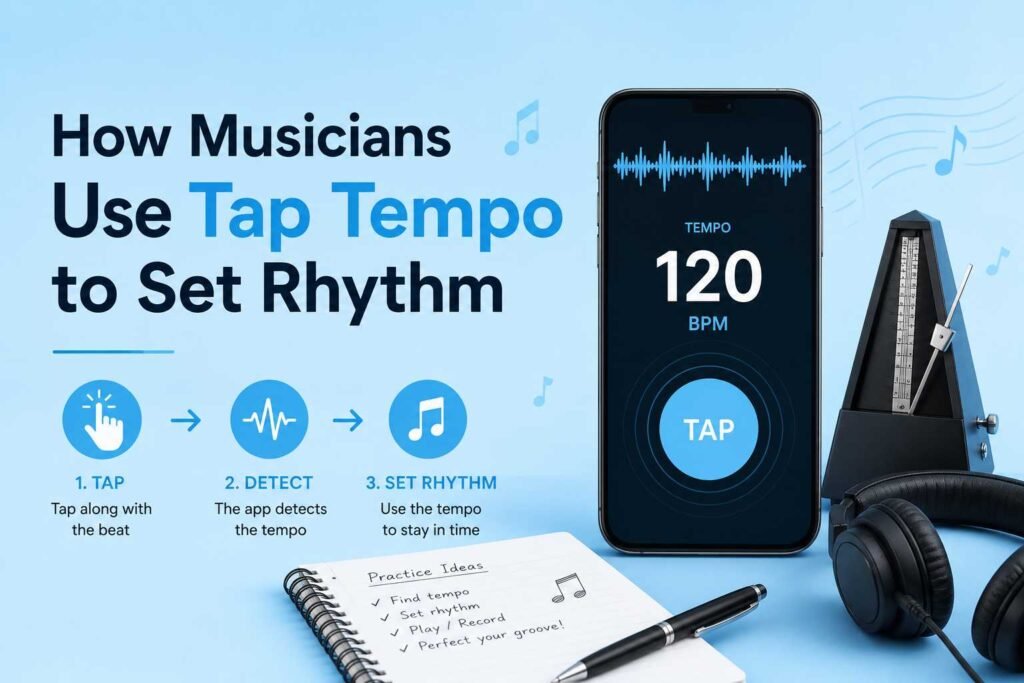
What Is Tap Tempo and Why Does It Matter?
At its core, tap tempo is exactly what it sounds like: you tap a button (or a key, or a pad) in time with a beat, and a device or software automatically calculates the tempo — measured in BPM, or beats per minute — based on the intervals between your taps.
Instead of manually typing in a number like “128 BPM” and hoping it matches the song you’re working with, tap tempo lets you feel the rhythm naturally and translate that feeling into a precise measurement. It bridges the gap between human instinct and machine precision.
This matters more than most people realize. Tempo is the heartbeat of any piece of music. Get it slightly off, and your synths won’t sync with your drummer, your delay effects will clash with the groove, and the whole track can feel unsettled. Tap tempo solves that problem elegantly and quickly.
How Tap Tempo Works: The Mechanics Behind the Method
The Math Is Simple
When you tap a button multiple times, the device records the time between each tap. It then calculates the average interval and converts it to BPM using a straightforward formula:
BPM = 60,000 ÷ average milliseconds between taps
So if you tap every 500 milliseconds, the result is 120 BPM — a common tempo for dance music. The more taps you provide, the more accurate the reading becomes. Most devices average at least three to four taps before locking in a value, and many wait for eight or more for extra precision.
Hardware vs. Software Implementations
Tap tempo shows up in a wide variety of tools. On hardware devices like drum machines, synthesizers, and effects pedals, there’s usually a dedicated button labeled “TAP” or “TEMPO.” You press it repeatedly in time with the music, and the unit adjusts its internal clock accordingly.
In software like Ableton Live, Logic Pro, or GarageBand, tap tempo is typically accessible via a button in the interface or a keyboard shortcut. Some DAWs even let you assign tap tempo to a MIDI controller so you can tap it live without touching your keyboard.
Where Musicians Actually Use Tap Tempo
Live Performance Settings
Live performance is where tap tempo really earns its keep. Imagine a DJ who needs to blend two tracks seamlessly, or a band that uses backing tracks and synthesizers that all need to stay in sync with the drummer. Without a way to quickly dial in the right tempo, things can fall apart fast.
Many live performers use tap tempo to sync their delay pedals to the groove of a song. A delay effect that’s out of sync with the beat creates a muddy, cluttered sound. Tap it in time, and suddenly those echoes dance perfectly between the notes — a classic technique used by guitarists like The Edge from U2.
Drummers and bandleaders also use tap tempo as a quick communication tool during rehearsals. Rather than counting out loud or describing a speed abstractly, a drummer can tap a button and the whole rig adjusts to match.
Studio Recording and Production
In the studio, producers often record to a click track or metronome. But what happens when a musician brings in a song that was recorded freely, without a click? Instead of guessing the tempo and nudging it manually, a producer can simply tap along with the recording and get an instant, accurate reading.
This makes the process of adding virtual instruments, syncing loops, or laying down additional tracks much faster and more intuitive. It keeps the creative flow going instead of interrupting it with technical guesswork.
Electronic Music and DJing
For electronic music producers and DJs, tap tempo is practically essential. When you’re performing a live set and want to drop in a new loop or sample, it needs to match the current track’s tempo immediately. Many DJ controllers and mixers have tap tempo buttons built right in for exactly this reason.
Producers who work with hardware synthesizers and drum machines rely on tap tempo to sync multiple devices together through MIDI. One device becomes the master clock, and everything else follows — but the master’s tempo can be set quickly by tapping in time with a reference track or even a live musician playing alongside.
Practical Tips for Getting the Most Out of Tap Tempo
Tap More Times for Greater Accuracy
One of the most common mistakes beginners make is only tapping two or three times and accepting the result. The more consistently you tap, the more accurate the average becomes. Aim for at least eight taps, especially when precision matters. Most devices give you a visual indicator — a blinking light, a scrolling number, or a waveform — that settles down as the reading stabilizes.
Tap on the Downbeat, Every Time
Consistency matters more than speed. Always tap on the same beat — the downbeat (the first beat of each measure) is the most natural anchor. Tapping randomly throughout a bar will give you inconsistent results. Build the habit of feeling where “one” is before you start tapping.
Use It to Match Live Musicians
If you’re recording a live drummer or vocalist who naturally plays at a slightly different tempo than your project, use tap tempo to match your DAW or effects unit to them rather than forcing them to match a cold metronome. Music feels more alive when the technology bends to the human, not the other way around.
Sync Your Effects Pedals Mid-Song
Guitar and bass players can use tap tempo pedals to change the feel of their tone mid-performance. Slowing the tempo for a breakdown, then speeding it back up for the chorus, creates dynamic shifts that audiences can feel even if they don’t consciously notice the technique.
Popular Gear and Software That Feature Tap Tempo
Several well-known tools have excellent tap tempo implementations worth knowing about.
The Boss DD-3T and DD-8 delay pedals are favorites among guitarists for their responsive tap tempo buttons that make syncing delays to a live groove effortless. The TC Electronic Flashback series takes it a step further with TonePrint technology, letting you customize how the tap tempo behaves.
On the software side, Ableton Live has long been celebrated for its tap tempo functionality, especially in live performance scenarios. Its ability to sync multiple effects, loops, and MIDI devices in real time makes it the go-to DAW for electronic performers. Native Instruments Maschine and Arturia BeatStep Pro also include highly responsive tap tempo features that integrate naturally into a producer’s workflow.
Even mobile apps like Pro Metronome and Tempo for iOS and Android include tap tempo as a core feature, making it easy for musicians to find the BPM of any song on the fly.
The Connection Between Tap Tempo and Musical Feel
Here’s something that doesn’t get talked about enough: tap tempo isn’t just a technical tool — it’s a musical one. When you tap in a tempo, you’re doing something deeply human. You’re translating your internal sense of groove into a number. That’s a skill that improves with practice.
Experienced musicians can tap in a tempo and land within one or two BPM of the exact number almost every time. They’ve trained their internal clock through years of playing and listening. Tap tempo, used regularly, actually helps develop that sense of time in newer musicians too. It becomes a feedback loop: you feel the tempo, you tap it, you hear whether it matches, and your ear gets better as a result.
Conclusion
Tap tempo is one of those features that seems minor until you actually need it — and then you can’t imagine working without it. Whether you’re syncing delay pedals on stage, matching a drummer’s feel in the studio, or locking in a loop during a live DJ set, the ability to quickly and naturally translate a rhythm into a precise BPM is invaluable.
The best part? It doesn’t require deep technical knowledge. It just requires a good ear, a consistent tap, and a little practice. Start using tap tempo in your next session or rehearsal, and you’ll quickly discover why musicians at every level rely on it to keep their music feeling tight, alive, and in the pocket.
Frequently Asked Questions
Q1: What is tap tempo in simple terms? Tap tempo is a feature found in music devices and software that lets you set a tempo (BPM) by tapping a button in time with a beat. The device measures the time between taps and calculates the corresponding speed automatically.
Q2: How accurate is tap tempo? Tap tempo becomes more accurate the more times you tap. With three to four taps, results can be off by a few BPM. After eight or more consistent taps, most devices lock in to within one BPM of the actual tempo. Your own consistency is the biggest factor in accuracy.
Q3: Can I use tap tempo without any special equipment? Yes. Many free smartphone apps offer tap tempo functionality — you just tap the screen in time with a song. There are also free web-based tap tempo tools where you can press any key on your keyboard to calculate BPM.
Q4: Do professional musicians actually use tap tempo? Absolutely. From guitarists and DJs to producers and live electronic performers, tap tempo is a standard part of professional setups. It’s especially common in live performance where quick, precise tempo matching is critical.
Q5: What’s the difference between tap tempo and a metronome? A metronome provides a steady beat at a set tempo to guide musicians. Tap tempo is a way of setting that tempo by feel rather than entering a number manually. They work together — you tap in the tempo, and the metronome or click track then plays at that speed.
Q6: Can tap tempo be used with MIDI devices? Yes. Many MIDI-capable devices, DAWs, and controllers support tap tempo input via MIDI. You can assign tap tempo to a MIDI footswitch or pad, which is especially useful for live performers who need their hands free while setting tempo.
Q7: Is tap tempo useful for beginners, or is it mainly for advanced musicians? It’s useful for everyone. Beginners benefit from using tap tempo to find the BPM of songs they love or want to play along with. Advanced musicians use it to sync complex rigs in real time. It’s one of the most accessible and practical tools in any musician’s toolkit, regardless of experience level.